

Wrong HDMI ports limit PlayStation 5 4K 120Hz gaming
Engadget says PS5 owners should verify their TV input, cable and console settings before assuming the console or display is underperforming.
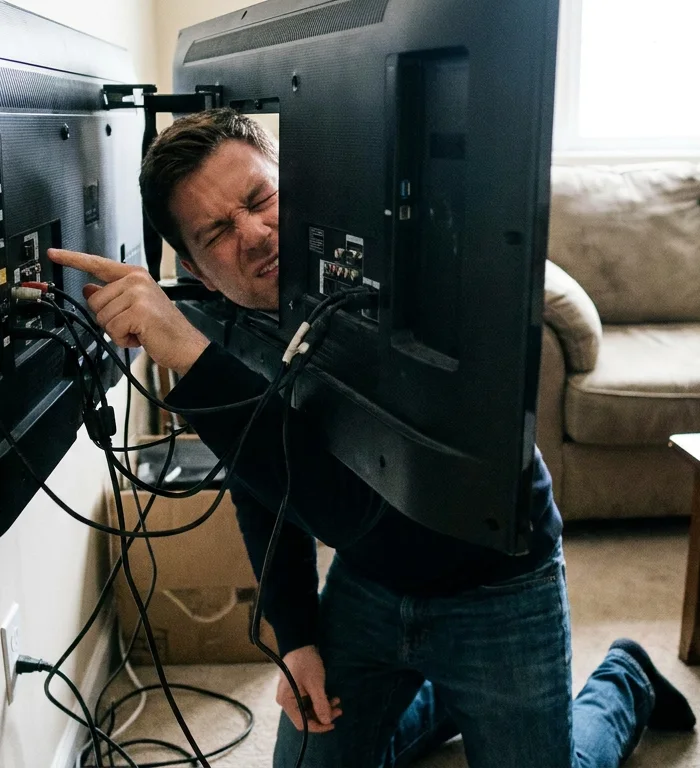
PlayStation 5 owners may miss 4K output at 120Hz if they connect the console to a non-HDMI 2.1 input, Engadget reported in an Oct. 24 trade-press article.
At stake is motion clarity: a 120Hz display refreshes 120 times a second, twice the 60 times a second of a 60Hz setup, when the screen and game support it.
The port number alone is not enough. Labels such as “HDMI 1” and “HDMI 2” identify inputs, not the HDMI standard each port supports. HDMI 2.1 may also need to be enabled in a TV or monitor menu under manufacturer-specific settings.
For players, the practical effect is frame rate. A compatible PS5 game needs its own 120 frames-per-second output mode, which may appear in settings as “120Hz output,” “High Frame Rate” or similar.
Lower-resolution 120Hz play at 1080p or 1440p can work over HDMI 2.0 on a compatible screen. HDMI 2.1 is the relevant standard for the PS5’s 4K 120Hz mode, though Engadget said few PS5 games run at both 4K and 120Hz because high-frame-rate modes often reduce resolution.
Other HDMI 2.1 features include Variable Refresh Rate, which matches a display’s refresh to console output to reduce screen tearing, and Auto Low Latency Mode, which can switch a TV into game mode to reduce input delay.
Engadget cited Sony as recommending the HDMI cable supplied with the PS5, or another Ultra High Speed HDMI cable. Users can check Settings > Screen and Video > Video Output on the console and review the connected-device information before assuming the hardware needs repair.
Source: trade-press article, Engadget, Oct. 24, 2026
More stories
- Europe faces attribution gap after 16 cyber, physical incidents
- PIF backs Grand Theft Auto as Saudi players embrace game
- Signal limits screenshots to curb AI access to messages
- Cognition runs Devin Mac workspaces on EC2 in 6 AWS regions
- Salesforce engineers cut 600-failure triage to 90 minutes
- Türkiye Desk: GTA 6 puts console access and network demand in focus
- Grok picks Republicans in 92% of forced API election prompts
- Flow Games raises $49 million as labor and safety pressure builds
- Gemini 4 plans put larger AI models at center stage again
- Hugging Face breach raises OpenAI agent transparency test
Latest news
- Macy’s parade faces balloon limits as storm winds approach
- COP31 climate talks collapse over fossil fuels and funds
- Highly diversified investors report 91% confidence in retirement
- Russian military faces 1,087 recorded suicides in Ukraine war
- US faces China, Russia in Africa minerals contest
- Russian war deaths top 460,000, Guardian says
- Nvidia board gets Trump input on Jensen Huang return as CEO
- Rwanda faces budget strain from 85% electricity access push